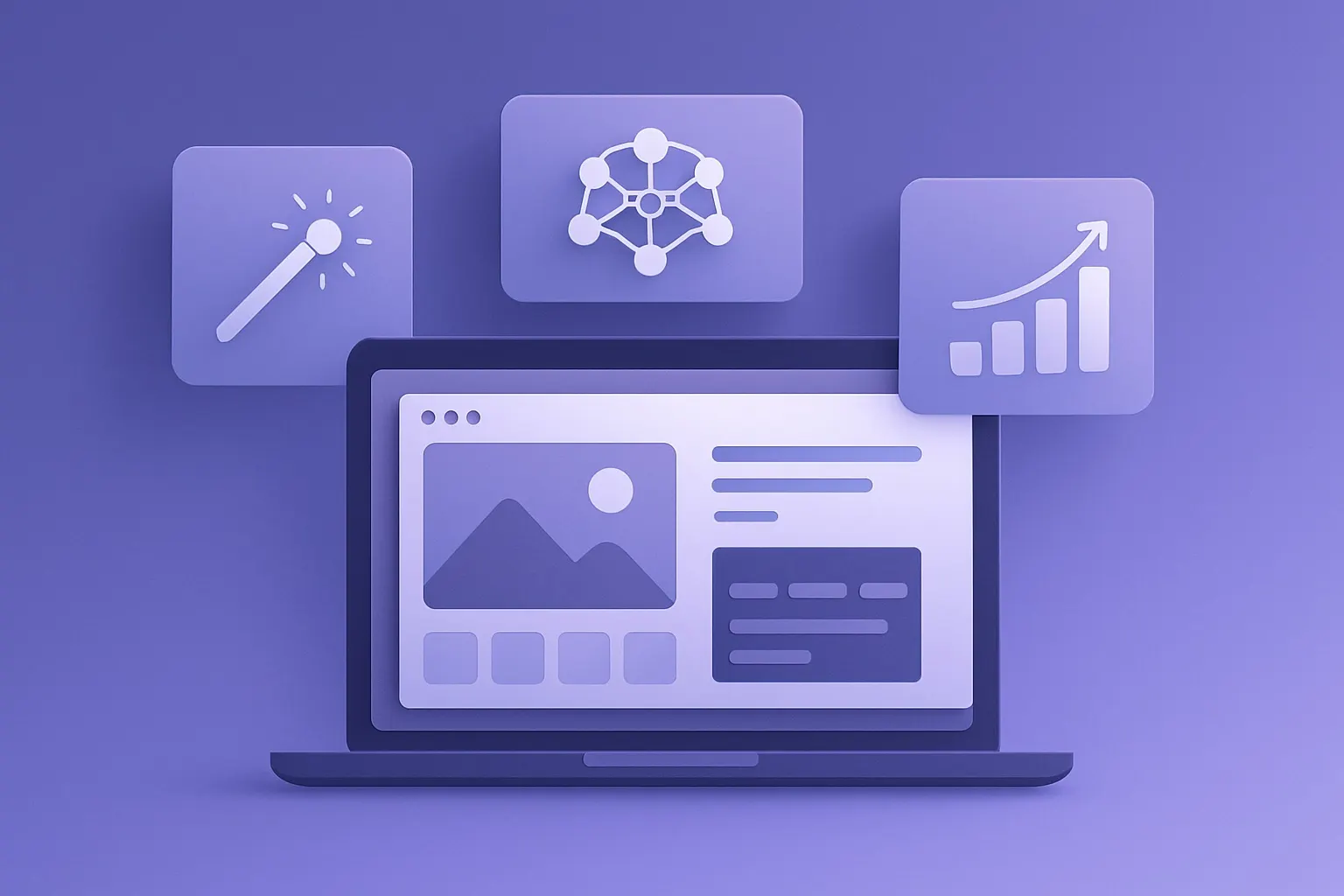
If you've ever stared at a blank canvas in Photoshop wondering where to even start, AI design tools are about to become your new best friend. The latest generation of AI-powered design platforms can generate logos, social media graphics, presentations, product mockups, and full brand kits — all from a text prompt or a rough sketch.
Whether you're a solopreneur building a brand, a marketer cranking out campaign assets, or just someone who wants better-looking slides, these tools are leveling the playing field. Here's what's actually worth your time in 2026.
What AI Design Tools Actually Do
Traditional design requires years of training in composition, typography, and color theory. AI design tools compress that learning curve by handling the heavy lifting: layout generation, color palette selection, font pairing, and asset placement. You provide the direction — the AI handles execution.
The best tools go beyond simple templates. They understand context, adapt to brand guidelines, and generate multiple variations so you can pick what works. Some even learn your preferences over time.
Top AI Design Tools Worth Trying
Canva Magic Studio
Canva was already the go-to for non-designers, but Magic Studio turned it into something genuinely powerful. The AI features include Magic Design (describe what you want and get a complete layout), Magic Eraser for background removal, and text-to-image generation built right into the editor.
What makes Canva stand out is integration. You're not bouncing between five apps — everything from ideation to export happens in one place. The free tier is surprisingly capable, though Pro unlocks the best AI features.
Midjourney for Concept Art and Assets
Midjourney remains the gold standard for AI image generation when quality matters. While it started as a Discord-only tool, the web interface has matured significantly. For design work, it's ideal for generating hero images, texture backgrounds, concept art, and custom illustrations.The trick is learning to prompt effectively. Midjourney rewards specificity — "minimalist logo for a coffee brand, geometric, earth tones, white background" gets you much further than "coffee logo." Version 7 dramatically improved text rendering in images, which was a major pain point for designers.
Looka for Brand Identity
If you need a complete brand kit — logo, business cards, social media templates, and brand guidelines — Looka is purpose-built for that workflow. You feed it your industry, style preferences, and color choices, and it generates dozens of complete brand identity packages.
It's not going to replace a professional brand designer for a Fortune 500 company, but for startups, freelancers, and small businesses, the output is remarkably polished. The subscription model means you get ongoing access to regenerate and refine assets as your brand evolves.
Microsoft Designer
Microsoft quietly built a solid AI design tool right into the 365 ecosystem. Microsoft Designer uses DALL-E integration for image generation and GPT for copy suggestions, making it a one-stop shop for social media posts, invitations, and marketing materials.
The real advantage here is if you're already paying for Microsoft 365 — Designer is included. The AI-generated layouts are clean and professional, and it pulls from a massive stock library. Not as creative as Midjourney, but faster for everyday business graphics.
Galileo AI for UI/UX Design
For product teams, Galileo AI is a game-changer. Describe a user interface in plain English — "a settings page for a meditation app with dark mode" — and it generates editable, high-fidelity UI designs. It understands common design patterns, accessibility requirements, and platform conventions (iOS vs. Android vs. web).
This doesn't replace UX research or user testing, but it dramatically accelerates the prototyping phase. What used to take a designer half a day now takes five minutes to generate and thirty minutes to refine.
How to Get the Most Out of AI Design Tools
Start with clear intent. AI tools are excellent executors but mediocre strategists. Know what you need before you prompt. "Instagram carousel about our Q2 product launch, brand colors blue and white, professional tone" beats "make something cool." Build a prompt library. When you find prompts that produce great results, save them. Consistency matters for brand work, and having proven prompts means you're not starting from scratch every time. Use AI for first drafts, not final output. The best workflow is AI generation followed by human refinement. Let the tool handle 80% of the work, then polish the remaining 20% yourself. This is where tools like Canva shine — you can tweak every element the AI generates. Invest in learning one tool deeply. It's tempting to bounce between platforms, but mastering one tool's AI features will produce better results than surface-level use of five. If you're picking one all-rounder, Canva remains the safest bet for most people.The Bigger Picture
AI design tools aren't replacing designers — they're replacing the grunt work that designers never loved anyway. Resizing assets for twelve different social platforms, generating color palette variations, mocking up quick concepts for client calls — that's the work AI handles brilliantly.
For non-designers, these tools are genuinely transformative. You no longer need to choose between "looks terrible" and "costs $500 for a freelancer." There's a capable, affordable middle ground now, and it keeps getting better.
If you want to dive deeper into the creative AI space, check out our guides on AI image generators and AI presentation tools for more specialized recommendations.
The barrier to professional-looking design has never been lower. The only question left is what you'll create first.