Tired of staring at a blank page? AI writing assistants are powerful tools that can help you break through writer's block, generate ideas, and produce high-quality content faster than ever. Whether you're a marketer, blogger, or student, the right AI assistant can revolutionize your workflow.
TL;DR: Quick Answer
The best AI writing assistants leverage advanced language models to help you draft, edit, and refine text. For most users, a tool like Jasper offers a fantastic balance of powerful features, versatility for different content types, and a user-friendly interface. It's an investment that pays for itself in time saved and quality gained.
What Are AI Writing Assistants?
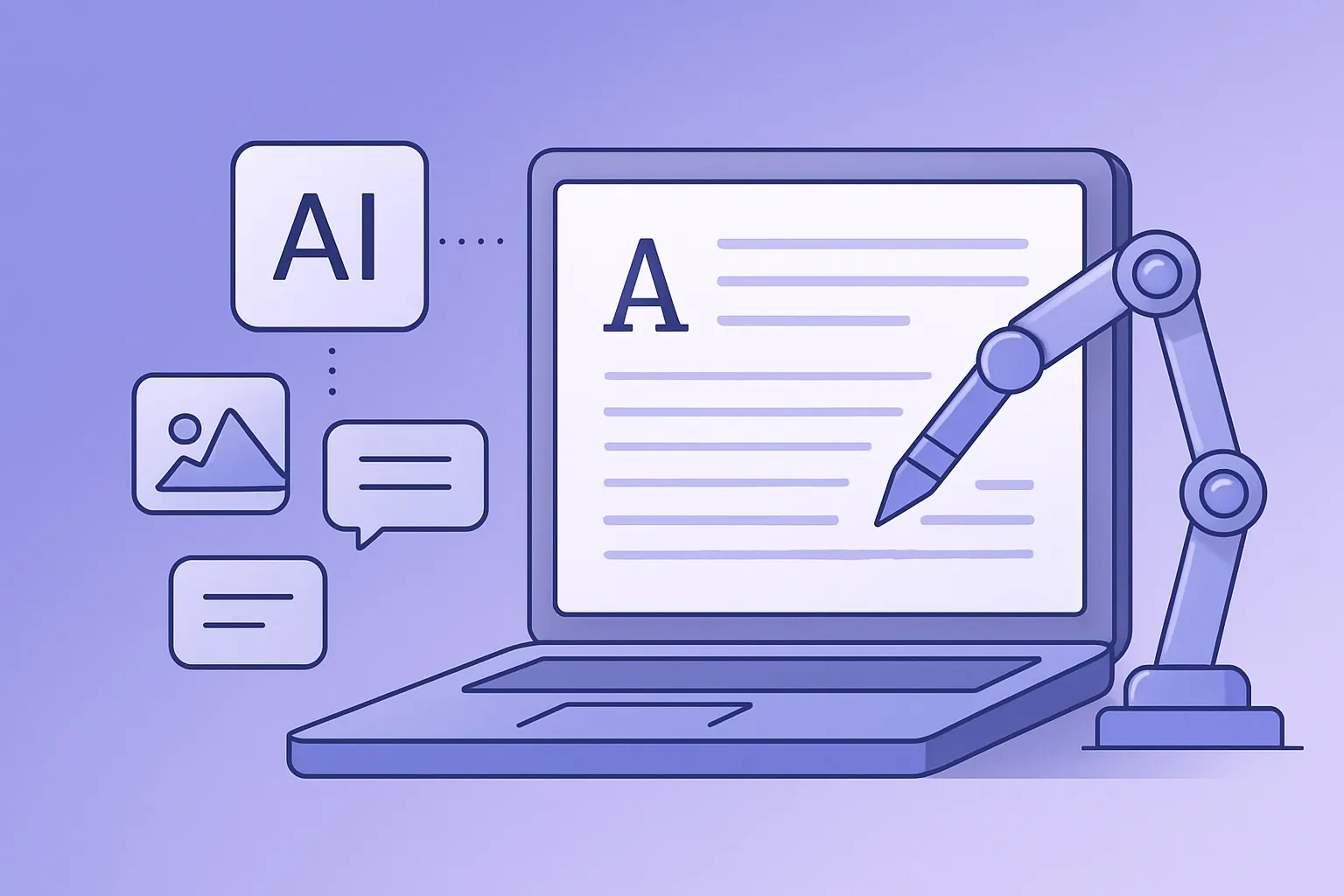
AI writing assistants are software tools that use artificial intelligence, specifically natural language processing (NLP) and natural language generation (NLG), to help people create written content. They're not here to replace human writers but to augment their abilities, acting as a super-powered co-pilot for the creative process.
How They Work
These tools are trained on vast datasets of text and code from the internet. This training allows them to understand context, tone, grammar, and style. When you provide a prompt, the AI predicts the most logical sequence of words to follow, generating human-like text that is often indistinguishable from what a person would write.
Top AI Writing Assistants for 2026
Choosing the right tool depends on your specific needs, from long-form blog posts to catchy social media captions. Here are a few of the market leaders worth considering.
Jasper (Formerly Jarvis)
Jasper is one of the most popular and robust AI writers available. It excels at creating long-form content like blog articles and marketing copy. Its "Boss Mode" feature allows for more direct command-based writing, giving you greater control over the output. It's an excellent all-rounder for serious content creators.Sudowrite
For fiction authors and screenwriters, Sudowrite is a game-changer. It's designed specifically for creative writing, offering features like "Describe" to paint a more vivid picture and "Twist" to suggest plot points. It helps you explore your story's possibilities in exciting new ways.
Notion AI
If you already live in Notion for your project management, adding Notion AI is a no-brainer. Integrated directly into your workspace, it can summarize meeting notes, draft emails, create tables, and brainstorm ideas without ever leaving the app. This seamless integration is its biggest strength and a major productivity booster. Check out our guide on AI video editors to see how you can pair written content with visuals.
The Real-World Benefits of Using AI
Integrating an AI writing assistant into your daily routine offers tangible benefits beyond just speed. For a deep dive into the technology, the Stanford AI Lab blog provides excellent academic-level insights.
Overcoming Writer's Block
The hardest part of writing is often starting. AI tools can generate outlines, first drafts, or just a few sentences to get your creative juices flowing.
Improving Content Quality
These assistants are grammar and style wizards. They can help you polish your prose, fix awkward phrasing, and ensure your writing is clear, concise, and error-free, leading to a more professional final product.
FAQ
Can AI writing assistants write an entire article for me?
Yes, they can generate a full draft. However, the best results always come from human-AI collaboration. You should always fact-check, edit for tone, and add your unique perspective to the AI-generated text.
Is the content generated by AI unique?
Reputable AI writing tools generate original content and are designed to avoid plagiarism. The text is created word by word based on statistical patterns, not copied from a source. However, it's always wise to run a plagiarism check on any final draft.
Which AI writing assistant is best for beginners?
For beginners, Notion AI is often the easiest to adopt due to its simple interface and integration with a tool many already use. Jasper also has a relatively gentle learning curve with plenty of tutorials to help new users get started.