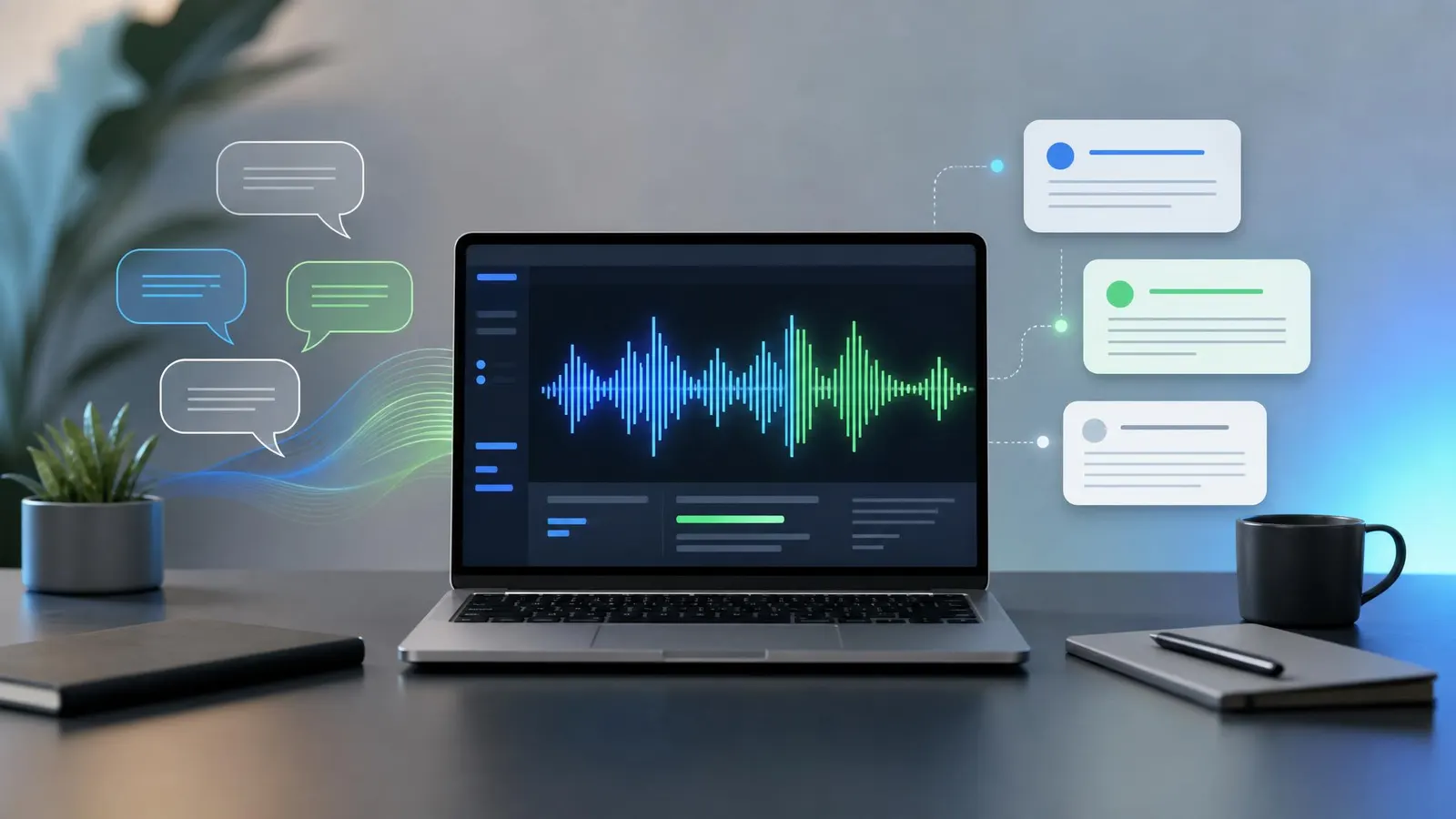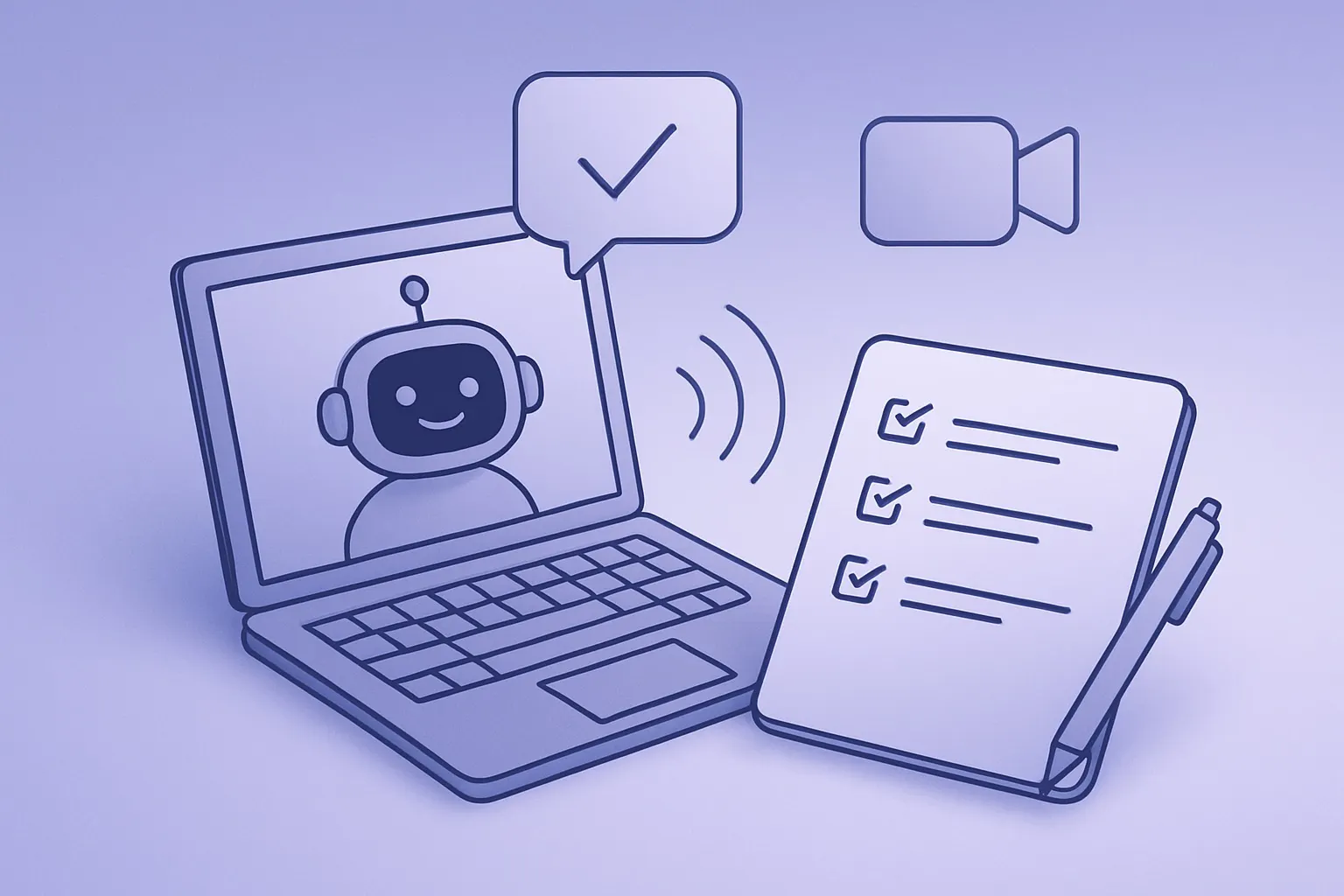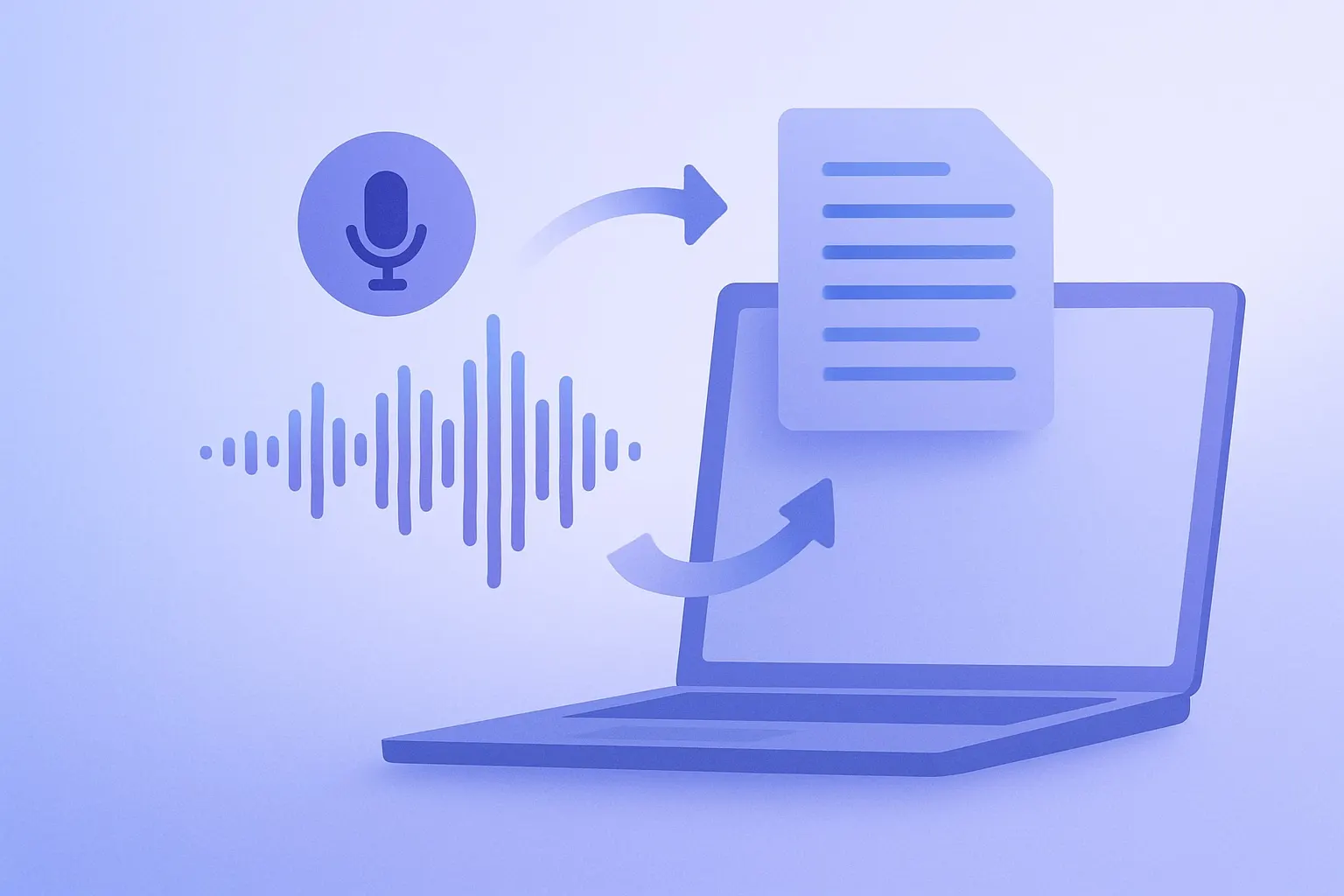
TL;DR: The best AI transcription workflow is not just "record and upload." Capture clean audio, transcribe it with speaker labels, review the risky sections, then turn the transcript into summaries, action items, clips, or searchable knowledge. A simple repeatable system saves more time than chasing the most expensive transcription app.
AI transcription has become good enough that most teams should stop treating meeting notes as a manual chore. The catch is that raw transcripts are still messy. They include false starts, repeated phrases, side conversations, and names the model mishears with total confidence.
That is why the workflow matters. The right setup turns audio into a useful work product instead of another file nobody opens. If you already use AI summarization tools, transcription is the missing front door: it gives your summarizer accurate source material to work from.
Start With Better Audio
Transcription quality starts before the AI sees anything. Most "bad AI transcript" complaints are really bad-audio problems: laptop fans, room echo, weak microphones, and people talking over each other.
For calls, use a headset or dedicated microphone when the conversation matters. A basic USB headset can outperform a laptop microphone because it keeps your voice close and consistent. For interviews, a small digital voice recorder is often more reliable than a phone buried on a table.
Before recording, do three quick checks:
- Ask everyone to say their name once at the beginning.
- Record in mono unless you need separate tracks.
- Keep the microphone within a few feet of the speaker.
Those tiny habits make speaker labeling, search, and summary accuracy noticeably better.
Pick Tools by Output, Not Hype
Most transcription apps now advertise high accuracy, fast turnaround, and AI summaries. The better question is what you need after the transcript exists.
If you live in Zoom, Google Meet, or Microsoft Teams, choose a meeting assistant that can join calls automatically and push notes into your workspace. If you record podcasts, interviews, or field notes, choose a tool that accepts large uploads, exports clean timestamps, and supports editing. If privacy matters, consider local or enterprise-grade options built around models like OpenAI Whisper, which helped set the standard for modern speech recognition.
Look for five practical features:
- Speaker labels that are editable after transcription
- Searchable transcript text
- Summary and action-item extraction
- Export to Markdown, DOCX, PDF, or SRT captions
- Clear retention controls for uploaded audio
Do not overpay for features you will not use. A solo creator may need excellent caption export. A sales team may care more about CRM notes. A researcher may care most about timestamps and exact quotes.
Use a Review Pass Before Summarizing
AI summaries are only as good as the transcript underneath them. Before you ask a model to summarize a call, scan the transcript for the sections most likely to create errors.
Names, numbers, dates, product names, and legal or medical language deserve extra attention. If the transcript says "ship 50 units" when the speaker said "shift 15 units," the summary will confidently preserve the wrong detail.
A fast review pass does not mean proofreading every word. Use timestamps to jump to the most important moments. Search for unclear terms. Fix speaker names. Add bracketed notes where the recording is ambiguous, such as [unclear: pricing figure] or [speaker confirms deadline verbally].
For longer calls, ask your AI tool for a first-pass outline before editing. Then review only the sections tied to decisions, commitments, objections, or facts you plan to quote.
Turn Transcripts Into Assets
The biggest benefit of an AI transcription workflow is reuse. One recorded conversation can become multiple useful outputs.
For a team meeting, create a short decision log, owner-based action items, and a searchable archive. For a customer interview, extract pain points, direct quotes, feature requests, and objections. For a podcast, generate show notes, quote cards, chapters, newsletter copy, and caption files.
A simple content stack might include a USB podcast microphone, a transcription tool, a summarizer, and a reusable prompt template:
Summarize this transcript for a busy operator.
Return: key decisions, action items with owners, open questions,
notable quotes, and follow-up risks. Do not invent missing details.
The final sentence matters. Transcripts often contain gaps. A good workflow tells the AI to flag uncertainty instead of smoothing over it.
Keep a Lightweight Archive
Once your transcripts are clean, store them somewhere searchable. A folder full of random exports is better than nothing, but a simple naming convention makes the archive far more useful.
Use a format like:
2026-05-19-client-name-discovery-call.md
Inside the file, keep the summary at the top, followed by action items, then the full transcript. Add tags for customer, project, topic, and status. If your team uses Notion, Google Drive, Obsidian, or a shared knowledge base, keep the structure consistent so future search works.
Also decide how long to keep raw audio. Audio files are larger and more sensitive than transcripts. For many teams, the best default is to keep the cleaned transcript and delete raw recordings after a defined retention period unless there is a business reason to preserve them.
FAQ
What is the best AI transcription workflow for meetings?
Record clean audio, generate a speaker-labeled transcript, fix names and key details, then create a summary with decisions and action items. The review step is what separates useful meeting notes from a noisy transcript dump.
Can AI transcription replace a human note taker?
For routine calls, usually yes. For legal, medical, investigative, or high-stakes interviews, use AI for speed but keep a human review step. Automated transcription is excellent, but it still makes occasional confident mistakes.
What equipment improves transcription accuracy?
A close microphone helps more than most software upgrades. For calls, use a decent headset. For interviews, use a recorder or directional mic, reduce background noise, and ask speakers to identify themselves before the conversation starts.
Bottom Line
The winning AI transcription workflow is boring in the best way: capture clean audio, transcribe, review the important bits, summarize, and archive. Once that loop is repeatable, every call becomes a reusable source of decisions, quotes, content, and institutional memory.