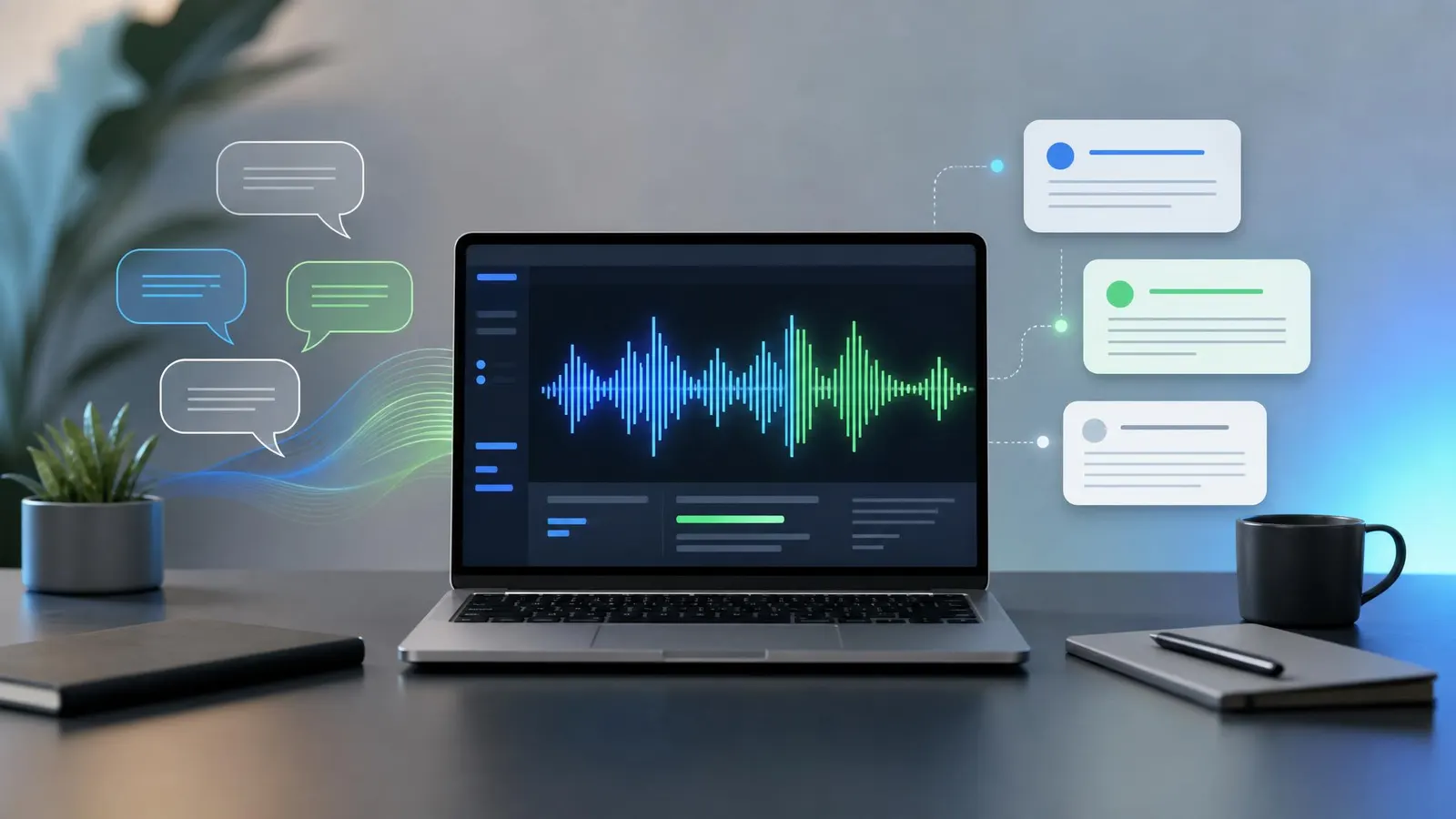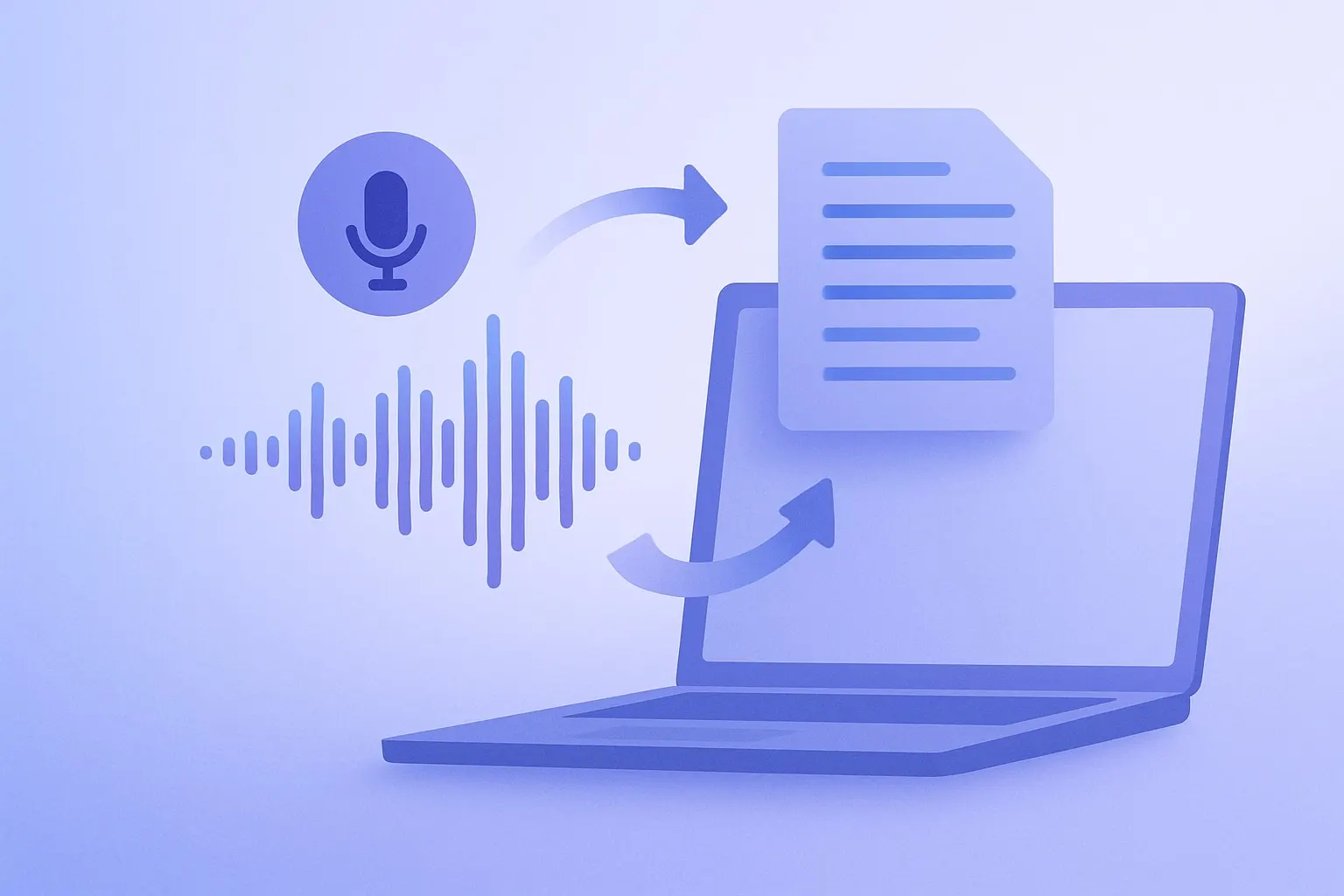
TL;DR: The best AI transcription workflow for podcasts is not just "upload audio and paste the transcript." Record clean audio, run speaker-aware transcription, edit the transcript against the audio, then turn it into show notes, quotes, chapters, short clips, and a searchable archive. If you already use AI transcription tools, the biggest upgrade in 2026 is building a repeatable production system around them.
Podcast teams used to treat transcripts as an accessibility checkbox. In 2026, they are closer to a content operating system. A clean transcript can become the source for your episode page, newsletter, LinkedIn post, YouTube description, guest quote cards, internal research database, and short-form video captions.
The catch is quality control. AI transcription is fast, but names, product terms, technical phrases, and cross-talk can still trip it up. The winning approach is to use AI for the first 80 percent of the work, then keep a lightweight human review step where accuracy actually matters.
Start With Better Audio Before Using AI
Transcription accuracy begins before you open any software. If your host is recording through a laptop mic in a noisy room, even the best model has to guess. Better input means fewer corrections, better speaker labels, and cleaner quotes.
For remote interviews, ask every speaker to use headphones and record in the quietest room available. A simple USB podcast microphone is usually enough for solo creators. If you record in person, a compact portable audio recorder gives you a backup track and more control than a phone.
Before sending audio to a transcription tool, normalize the volume and remove obvious background noise. You do not need a full studio mix. You just want the voice track to be clear, consistent, and easy for the AI to separate from music or room noise.
Choose Speaker-Aware Transcription Tools
For podcasts, speaker detection matters almost as much as word accuracy. A raw wall of text is hard to edit, quote, or repurpose. Look for tools that support diarization, timestamps, custom vocabulary, and export formats like TXT, SRT, VTT, DOCX, and JSON.
Custom vocabulary is especially useful if your show includes founder names, niche products, medical terms, investing terms, software libraries, or branded phrases. Add those before processing the episode. It is a small step that can save a surprising amount of cleanup time.
Accuracy benchmarks are useful, but test with your real audio. A tool that performs beautifully on a solo narration may struggle with a three-person roundtable. The National Institute of Standards and Technology has published useful background on speech recognition evaluation, including how word error rate is measured, at NIST.gov.
Turn Each Transcript Into Multiple Assets
Once the transcript is clean, do not stop at publishing it below the audio player. Use it as the raw material for a repeatable content package.
Start with the episode page. Pull a short summary, three to five key takeaways, guest bio notes, and links mentioned in the conversation. Then create chapter timestamps so listeners can jump to the best parts. If your hosting platform supports chapters, the transcript can make that process much faster.
Next, build promotion assets. Ask your AI assistant to identify quotable moments, but review them manually before publishing. A sentence can look great in isolation and still misrepresent what the guest meant. For short video, export captions from the transcript and pair them with clips from your editing tool. A basic closed caption workflow kit can help small teams keep caption review and audio checks organized.
Finally, archive the transcript in a searchable folder or knowledge base. After 50 episodes, your archive becomes a research asset. You can find every mention of a topic, compile guest insights, update old articles, and avoid repeating the same questions.
Build a Simple Review Checklist
The best podcast transcript workflow is boring in the right way. Every episode should pass through the same checks before it goes live.
First, verify names. Guest names, company names, book titles, and product names are the most visible mistakes. Second, check numbers. Prices, dates, percentages, and statistics are easy for listeners to notice when they are wrong. Third, review sensitive topics. Health, finance, legal, and personal stories deserve more care than casual banter.
It also helps to keep a style guide. Decide whether you remove filler words, how you handle false starts, whether you preserve slang, and how you label speakers. A polished transcript should read clearly without pretending the conversation was a formal essay.
For editors doing this weekly, comfort matters too. A decent noise-cancelling headset for editing makes review less tiring, especially when you are checking timestamps against audio.
FAQ
Is AI transcription accurate enough for podcast publishing?
Yes, for most shows, but it still needs review. Clean solo audio can be highly accurate, while overlapping speakers, accents, jargon, and background noise can introduce errors. Treat AI output as a strong first draft, not the final transcript.
Should I publish full transcripts or only show notes?
Publish both when possible. Show notes are better for quick scanning, while full transcripts improve accessibility, search, and long-tail discovery. A full transcript also gives your team more material for repurposing the episode later.
Can AI transcription help with podcast SEO?
Yes. Search engines cannot understand audio as easily as text, so transcripts give them more context. Use natural headings, episode summaries, guest names, and topic phrases. Avoid stuffing keywords; the transcript should still serve real readers first.
Bottom Line
AI transcription for podcasts is most valuable when it becomes part of the production workflow, not an afterthought. Capture clean audio, choose speaker-aware tools, review the transcript with a clear checklist, and turn each episode into a useful content bundle. That is how one recording becomes a searchable archive, an accessible episode page, and a week of promotional material.