Legal work is full of documents that are too important to skim and too repetitive to review from scratch every time. Vendor agreements, NDAs, privacy policies, employment templates, leases, and compliance memos all contain patterns. AI is good at finding those patterns, translating dense language into plain English, and turning messy notes into a structured review plan.
The risk is treating fluency as authority. A legal AI tool can sound confident while missing jurisdiction-specific rules, outdated language, or a clause that looks harmless beside another section. The strongest workflow is guarded: accelerate reading, organize questions, and keep final judgment with a professional.
What AI Legal Document Assistants Do Well
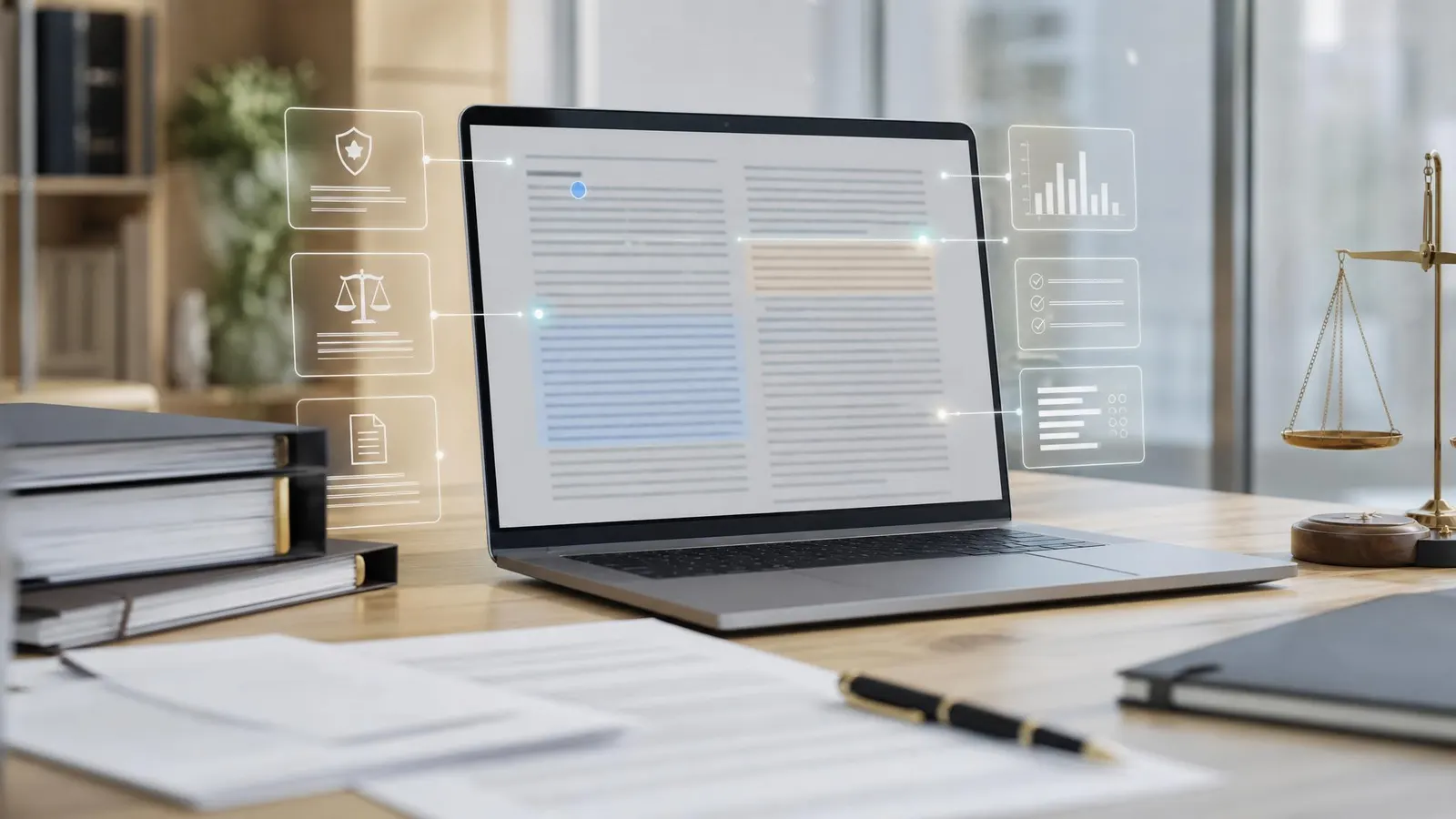
The most useful legal AI tools reduce document friction. They can summarize a contract, identify unusual clauses, compare two versions of an agreement, draft a checklist, pull obligations into a table, and explain unfamiliar terms in plain language.
For small businesses, that can make routine legal admin less intimidating. For legal teams, it can reduce the time spent on first-pass review before an attorney focuses on negotiation points.
This category overlaps with broader AI legal research tools, but document assistants are more workflow-focused. Instead of asking, "What does the law say?" you are usually asking, "What does this document do, what changed, and what should I check next?"
Best Use Cases for Legal Document AI
Contract summaries are the easiest place to start. Upload or paste a non-sensitive agreement and ask for parties, obligations, renewal dates, payment terms, termination rights, indemnity language, confidentiality duties, and open questions. The output should become a review aid, not the final answer. Clause comparison is also valuable. If a vendor sends a revised agreement, AI can highlight changes between versions and explain why they might matter. This is especially useful for spotting quiet changes to auto-renewal, limitation of liability, governing law, audit rights, or data processing terms. Policy drafting can save time when you need a first outline for acceptable use policies, internal AI rules, website terms, or privacy operations checklists. Start from a reputable template or attorney-approved prior document when possible. AI is stronger at adapting structure than inventing legal language from nothing. Due diligence organization is another fit. AI can turn a folder of notes into a table of documents requested, documents received, missing items, risks, and follow-up owners. A good document scanner, label maker, or external SSD can help if files are scattered across paper, email, and old drives.How to Choose a Legal AI Tool
Start with privacy and access controls. Legal documents often contain customer data, financial terms, trade secrets, or sensitive disputes. Before uploading anything, check training use, retention, admin controls, and export logs.
Next, look at citation and source handling. A good tool should point back to the exact section, clause, or page that supports its answer. If it cannot show where a summary came from, it is harder to verify and easier to overtrust.
Also check redline and version comparison features. Legal document work is rarely one-and-done. You need to know what changed, not just what a document says today.
Finally, match the tool to your risk level. A general AI assistant may be enough for summarizing your own notes or drafting questions for counsel. A legal-specific platform is a better fit for recurring contract review, matter workflows, and team permissions. The American Bar Association's guidance on AI and legal ethics is a useful starting point for understanding why professional oversight matters.
A Safe Review Workflow
Use a repeatable process instead of improvising with every document.
First, remove or mask sensitive data when you can. If the full document is required, use an approved tool and confirm the privacy settings. Second, ask for a structured summary with specific fields: parties, dates, payment terms, obligations, renewal, termination, liability, confidentiality, data handling, dispute resolution, and unusual provisions.
Third, ask the assistant to list assumptions and cite the exact clauses behind each answer. Fourth, compare the summary against the original document manually. Fifth, send the document and AI-generated questions to your attorney or internal reviewer for final approval.
For recurring work, keep a review checklist. A simple legal pad helps prevent the same risk from being checked carefully one week and forgotten the next.
Mistakes to Avoid
The biggest mistake is asking broad questions like "Is this contract okay?" That invites a vague answer. Ask concrete questions instead: "Does this agreement renew automatically?" or "What obligations survive termination?"
The second mistake is ignoring jurisdiction. Employment, privacy, consumer protection, and industry regulations vary widely. AI may provide a general explanation that sounds useful but does not match the place where the contract will be enforced.
The third mistake is pasting confidential material into an unapproved consumer tool. Convenience is not worth exposing sensitive business or client information. If the document matters, tool approval matters too.
FAQ
Can AI legal document assistants replace a lawyer?
No. They can summarize, compare, draft outlines, and organize issues, but they cannot provide accountable legal judgment for your specific situation. Use them to prepare better, not to skip professional review.
Are AI contract summaries reliable?
They are useful as a first pass, especially when they cite the source clause. They still need human review because small wording differences can change obligations, risk allocation, and negotiation strategy.
What documents should not be uploaded to AI tools?
Avoid uploading highly confidential, privileged, regulated, or client-sensitive documents unless the tool is approved for that use. When in doubt, redact details or ask counsel which platform is acceptable.
AI legal document assistants are best when they make legal work clearer and more organized. Use them for summaries, comparisons, checklists, and better questions. Keep privacy controls tight, verify every important claim against the source, and let humans make the decisions that carry legal consequences.